Submittals by Constructable
Construction submittal software for general contractors
Route every package through the approval stages you set, see whose court it's in, and issue the official status with a record of what went out. Your architect, engineers, and subs review without buying a seat because we do flat pricing with unlimited users.
Approval workflows
Set the approval path once
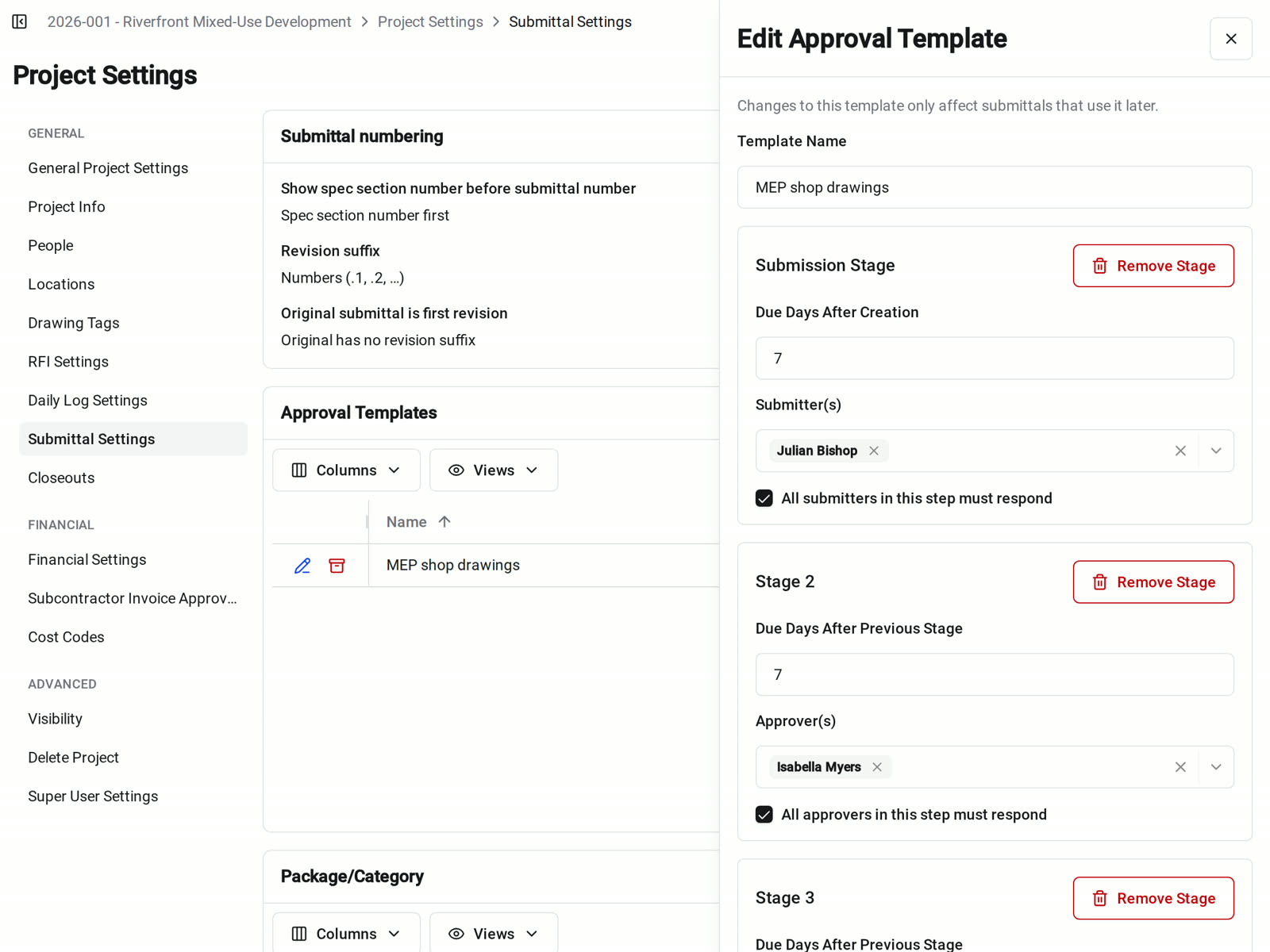
Our construction submittal software routes each package through the stages and approvers you choose. Save the path as an approval template and apply it to any draft, and the due dates fill in.
• The sub owes the package: start with a Request Submission stage for the responsible contractor, then your review
• Two reviewers on one stage: require every approver to respond, or let one response complete the stage
• Due dates that add up: each stage's due days count from the stage before it, so 7, 5, and 5 days puts the last approver 17 days out
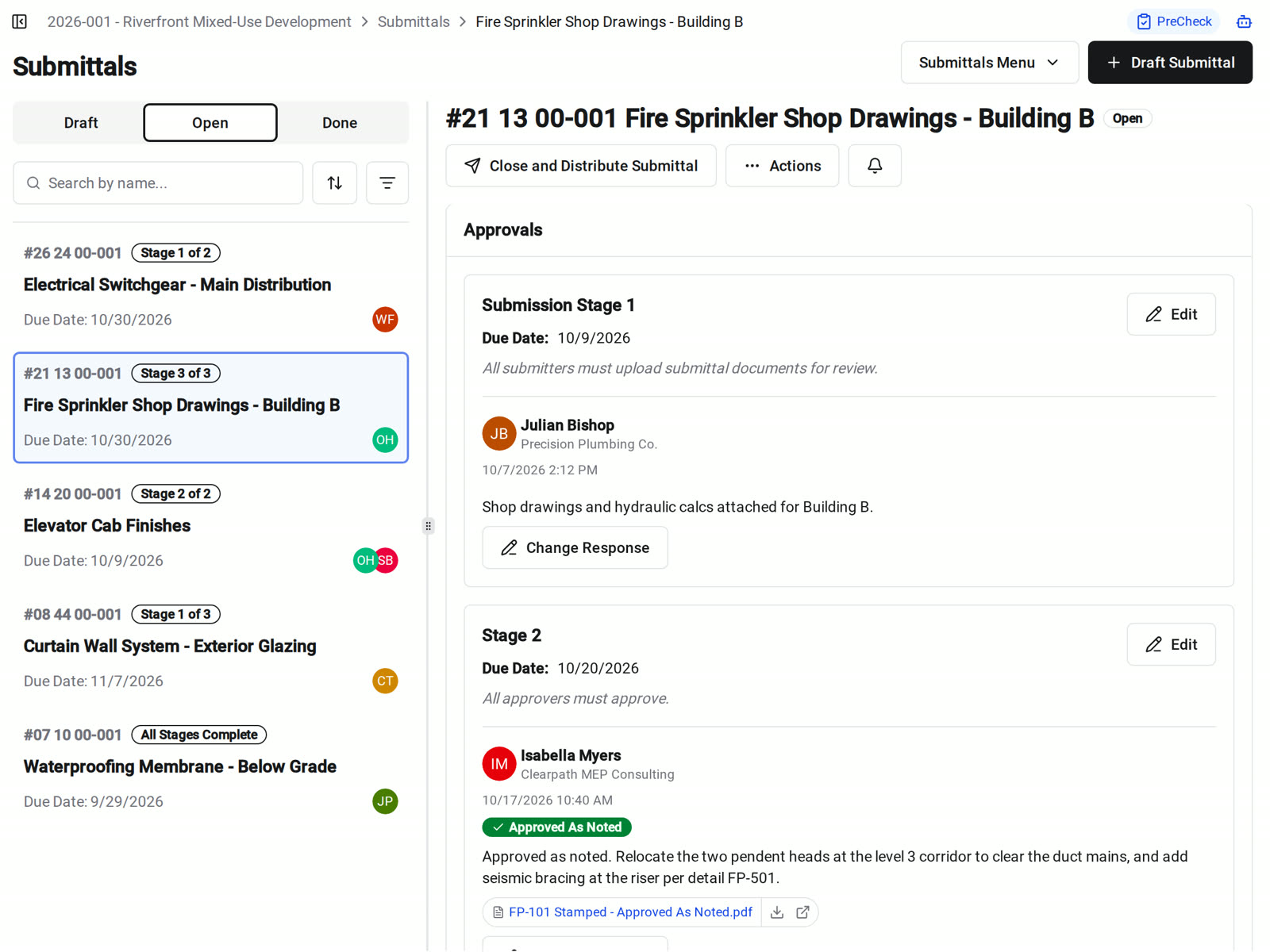
Ball-in-court
Always know whose court it's in
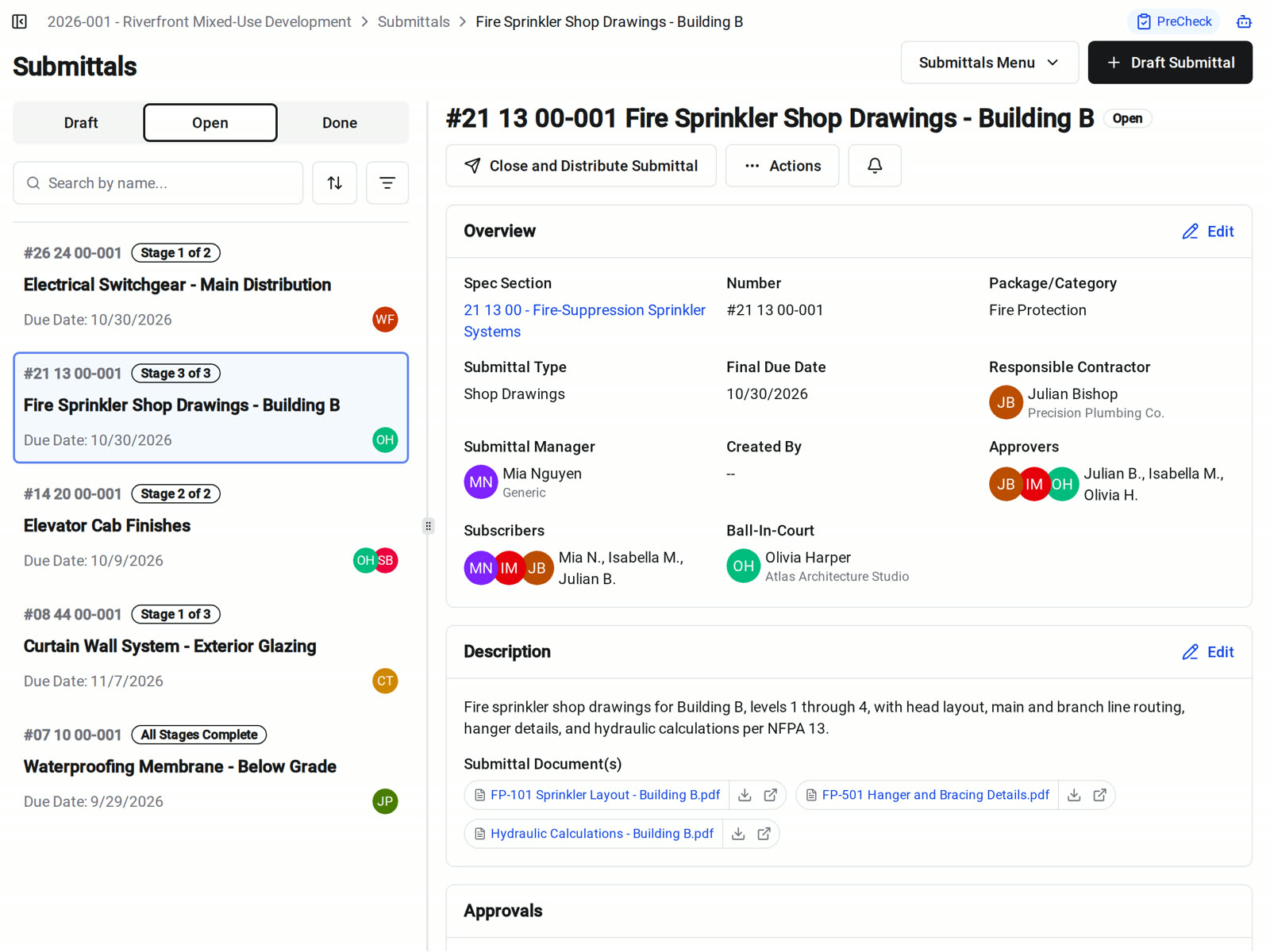
Every open submittal shows its current stage, due date, and ball-in-court. Later stages hear about it when their turn comes, not the day you open it.
• Your morning list: My Ball-In-Court shows the submittals waiting on you
• A review is overdue: send a reminder to whoever has the ball
• A stage is done: the next approvers get notified, and the manager and subscribers see every response
Specs and drawings
Tied to the spec book and the drawings
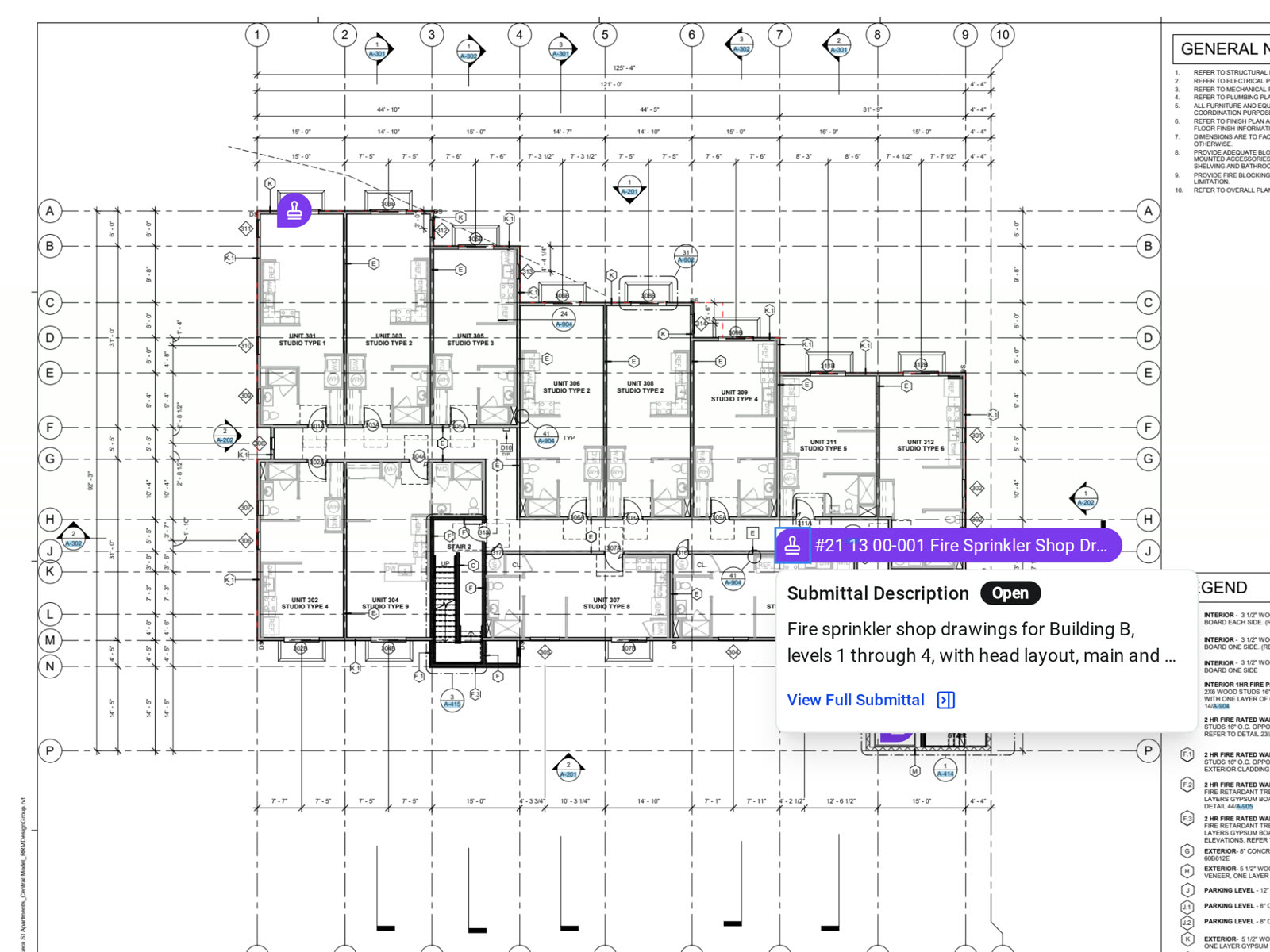
Pin a submittal to the drawing sheet it covers, or create one from the viewer, so the field can see which package applies where.
• Kicking off a job: select spec sections and create their draft submittals in one step, with one package, manager, and approval workflow for the batch
• Checking an install: open the pin on the sheet to read the submittal and its status
• Subs and consultants: outside collaborators can start a draft that routes to your default submittal manager
AI PreCheck
Catch spec discrepancies before you route it
Run PreCheck from the submittal. It reads the package, finds the specs and drawings that govern it, and returns a table that flags what doesn't line up and cites the spec section and package page for each finding.
• Before the architect sees it: send back a package that doesn't meet the spec instead of waiting weeks for the rejection
• Your reviewers decide: PreCheck doesn't approve, reject, or change the status, so verify each finding against the spec
Close, distribute, and revise
Issue the result with a record
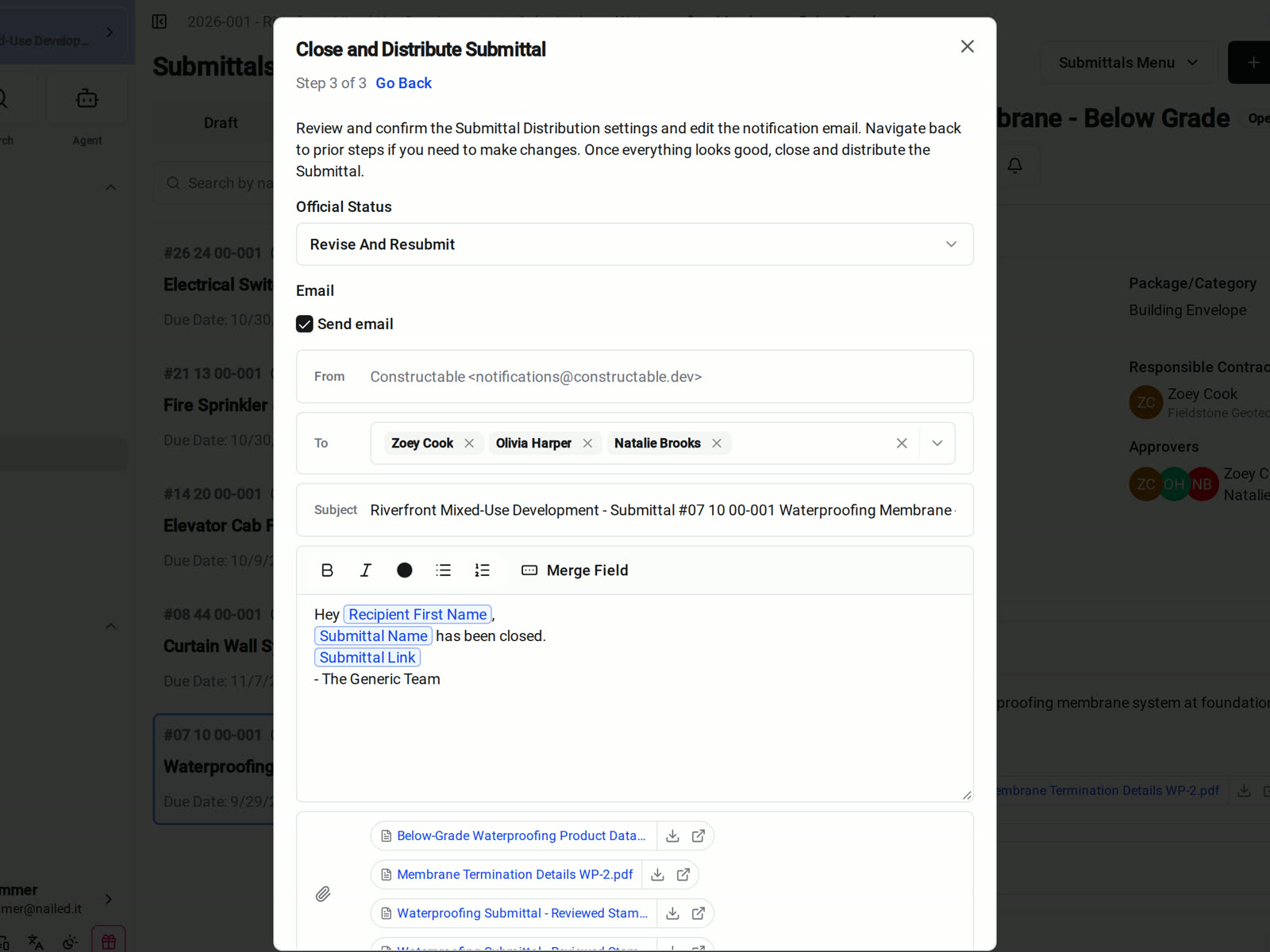
When review is finished, choose the source and response documents, the recipients, and the official status, then review the email and send it.
• Standard responses: Reviewed, No Exceptions Noted, Approved As Noted, Revise And Resubmit, Rejected, For Record, and Submitted, with stamped returns attached
• Sending it again: redistribute and every earlier distribution stays on the record
• It needs another pass: Revise and Resubmit creates a linked draft revision and closes the previous one
Logs and reporting
One submittal log from kickoff to closeout
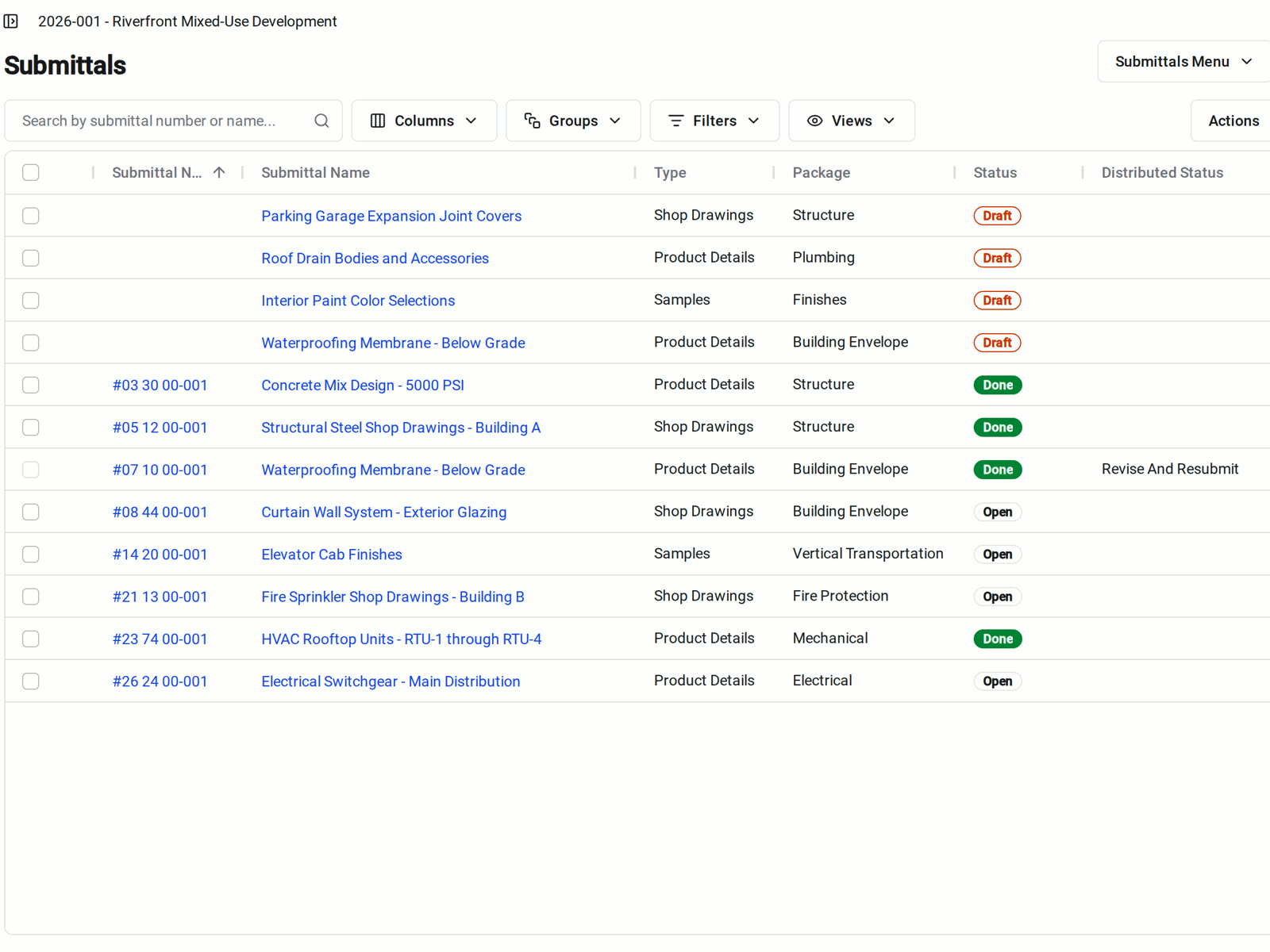
The submittals table shows every revision, or only the current ones. Save the filters and columns you use as a view, and bulk edit the type, package, manager, or due date.
• Portfolio review: the All Submittals report shows every submittal across your projects
• Integrated into Meetings: add the smart Open Submittals section to your OAC meeting agenda and it fills itself in
• Project closeout: download a PDF of any submittal, or export the full log through Closeout
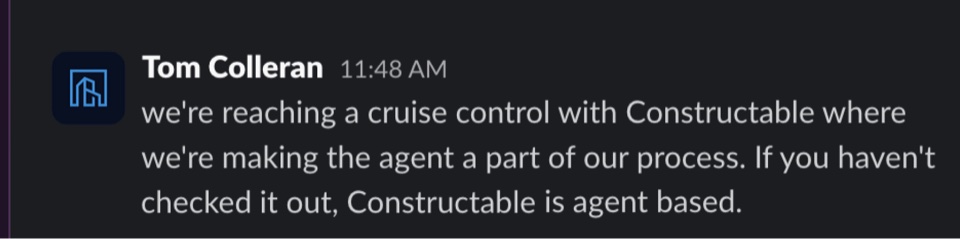
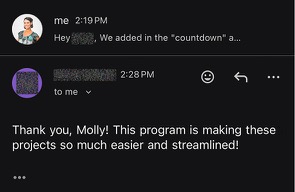
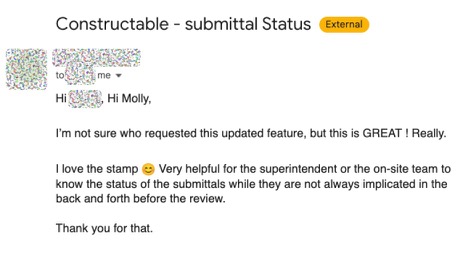
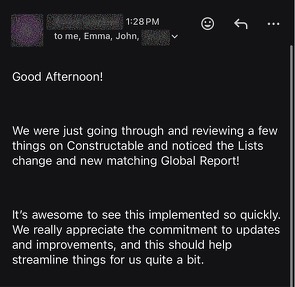
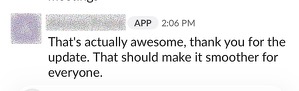
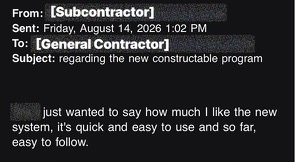
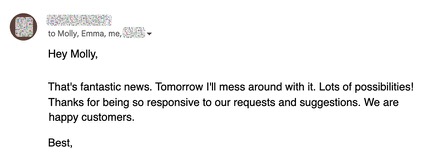
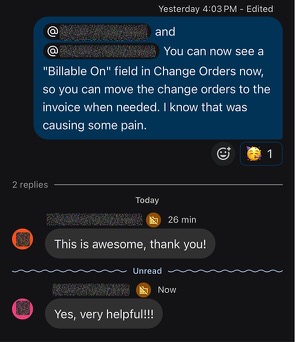
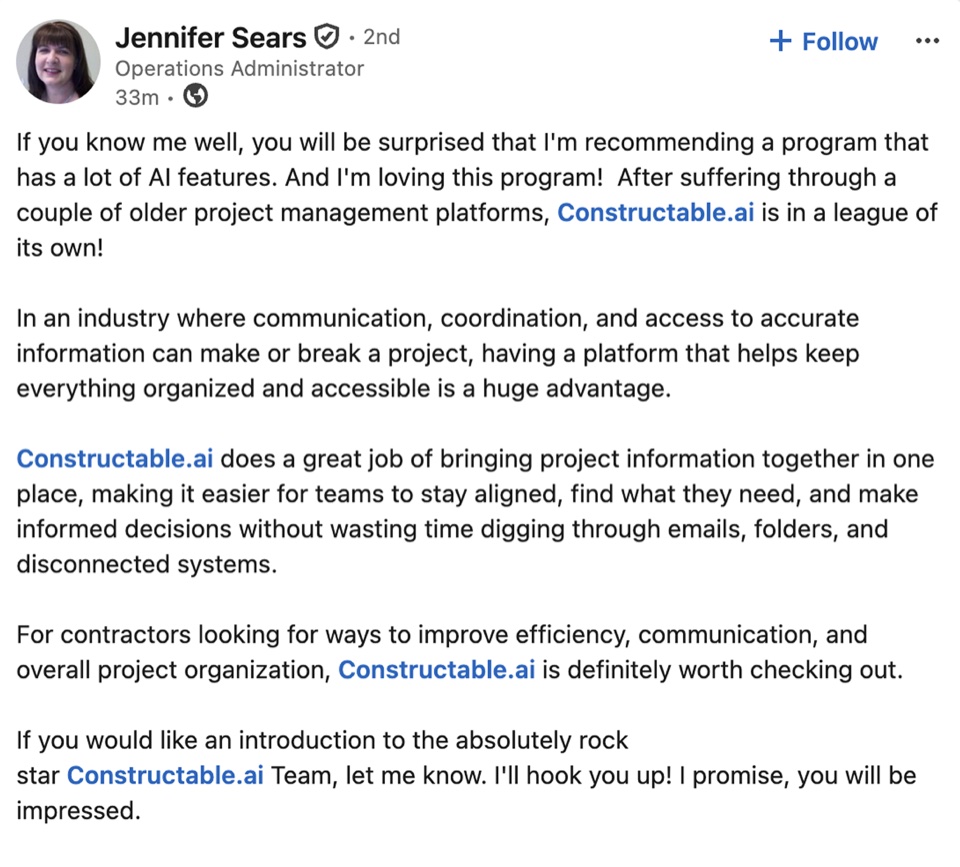
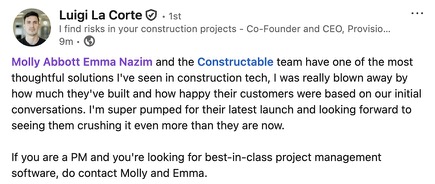
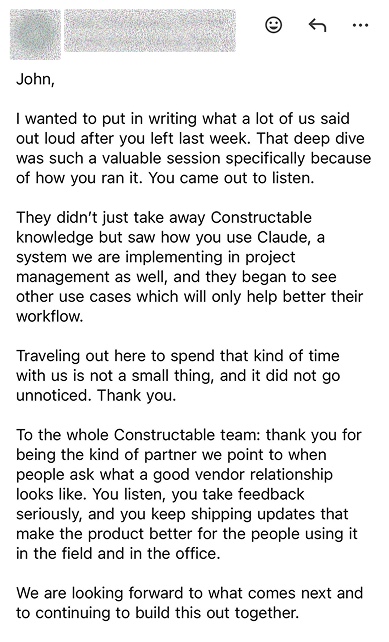
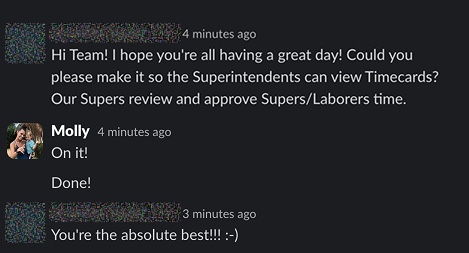
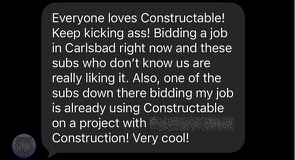
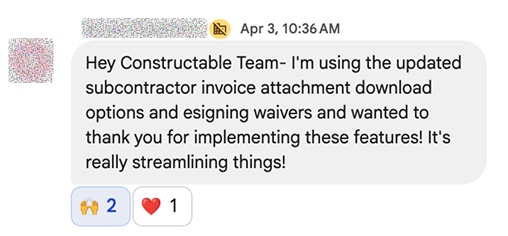
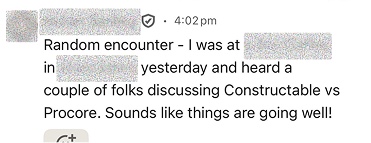
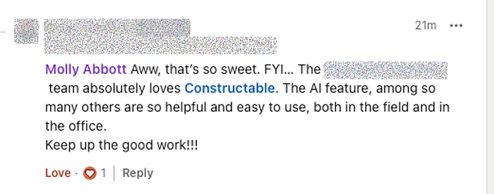
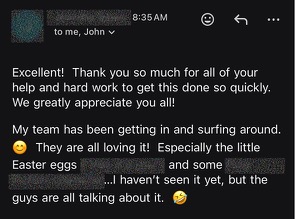
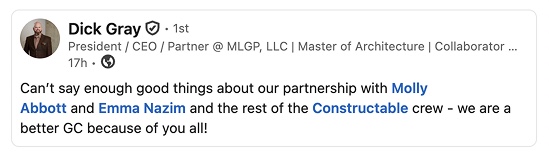
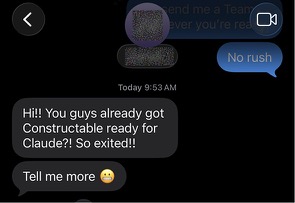
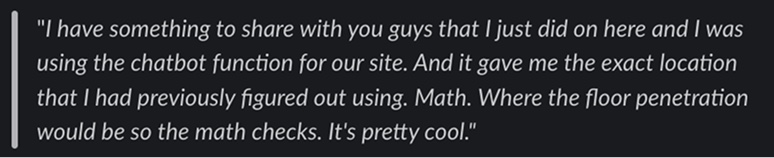
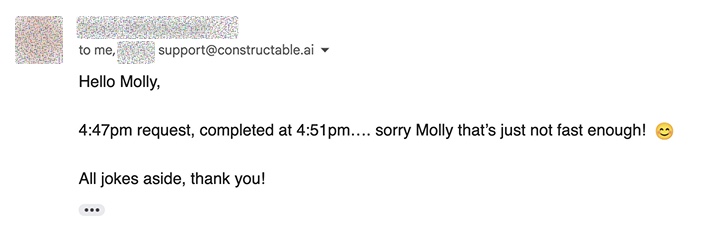
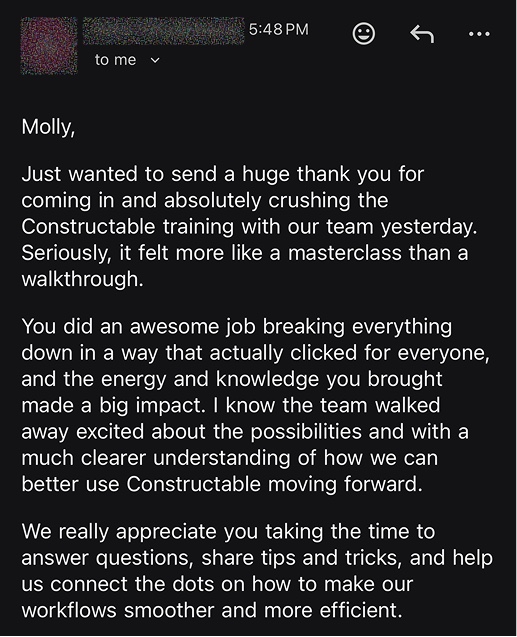
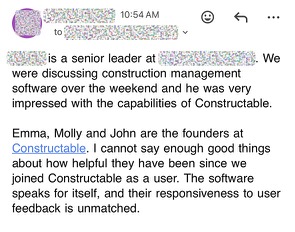
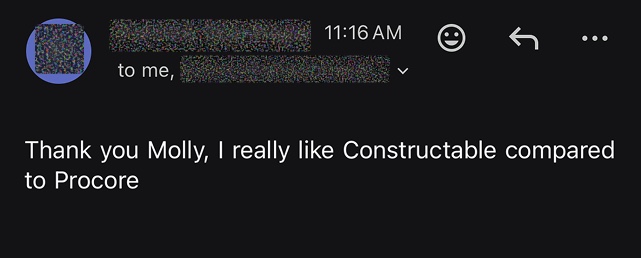
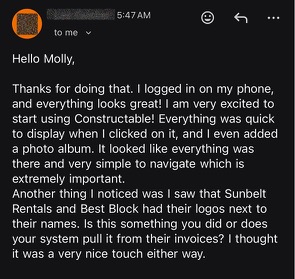
Hear from the GCs building with Constructable
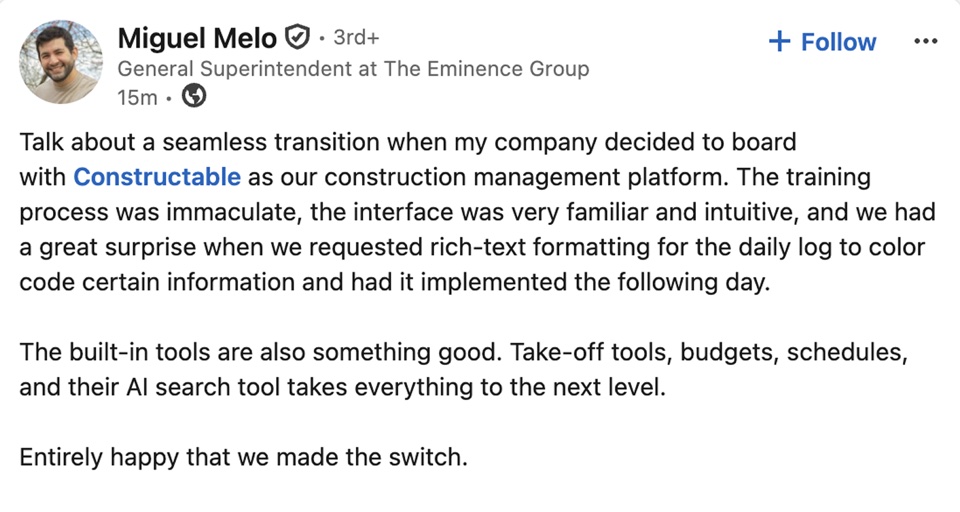
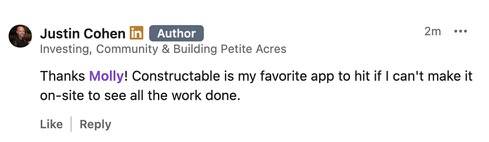
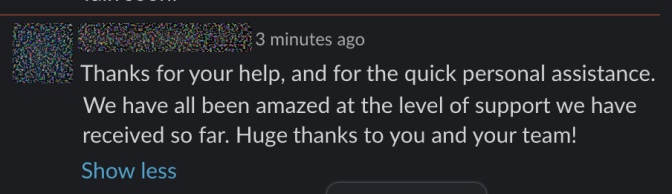
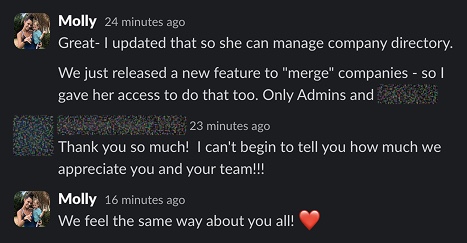
Loved in the office and in the field
Take your drawings anywhere with the Constructable app for iPhone, iPad, and Android.


Get the stamp
before the order date.
Book a 30-minute demo with our team.
WallofHappiness







Frequently Asked Questions
Do architects, engineers, and subs need a paid seat to review or submit?
Can we reuse the same approval workflow on every project?
Can we create submittals straight from the spec book?
What does PreCheck check, and does it approve submittals for us?
How do revisions and resubmittals work?
Can we see every open submittal across all of our projects?
Can reviewers respond from a phone or the iPad app?
We're moving off Procore. Can you bring our submittal log over?
Which plan includes submittals, and what does it cost?
tied to the drawing
more time building
at a glance